
Microluks
  • Anasayfa
  • Hakkımızda
  • Mikrofiber Nedir?
  • Ürünlerimiz
  • İletişim
  • Ara
  • Menu Menu
  • Twitter
  • Dribbble
  • Instagram

Image with Hotspots

1
2
3
4
5
1

Beautiful new demos with each release

2

Free Stock Pictures included in all demos

3

Retina ready and responsive – works great on devices of any size

4

Amazing Theme Options for unlimited colors and styles

5

Powerful Visual Layout Editor

The Image with Hotspots allows you to place either a fullwidth or content size image on the screen that has various hotspots (any number possible) which will be shown once the image scrolls into the browser vieport

There are – as always – several color options, as well as options for each individual hotspot. For example how and when the text overlay should be shown.
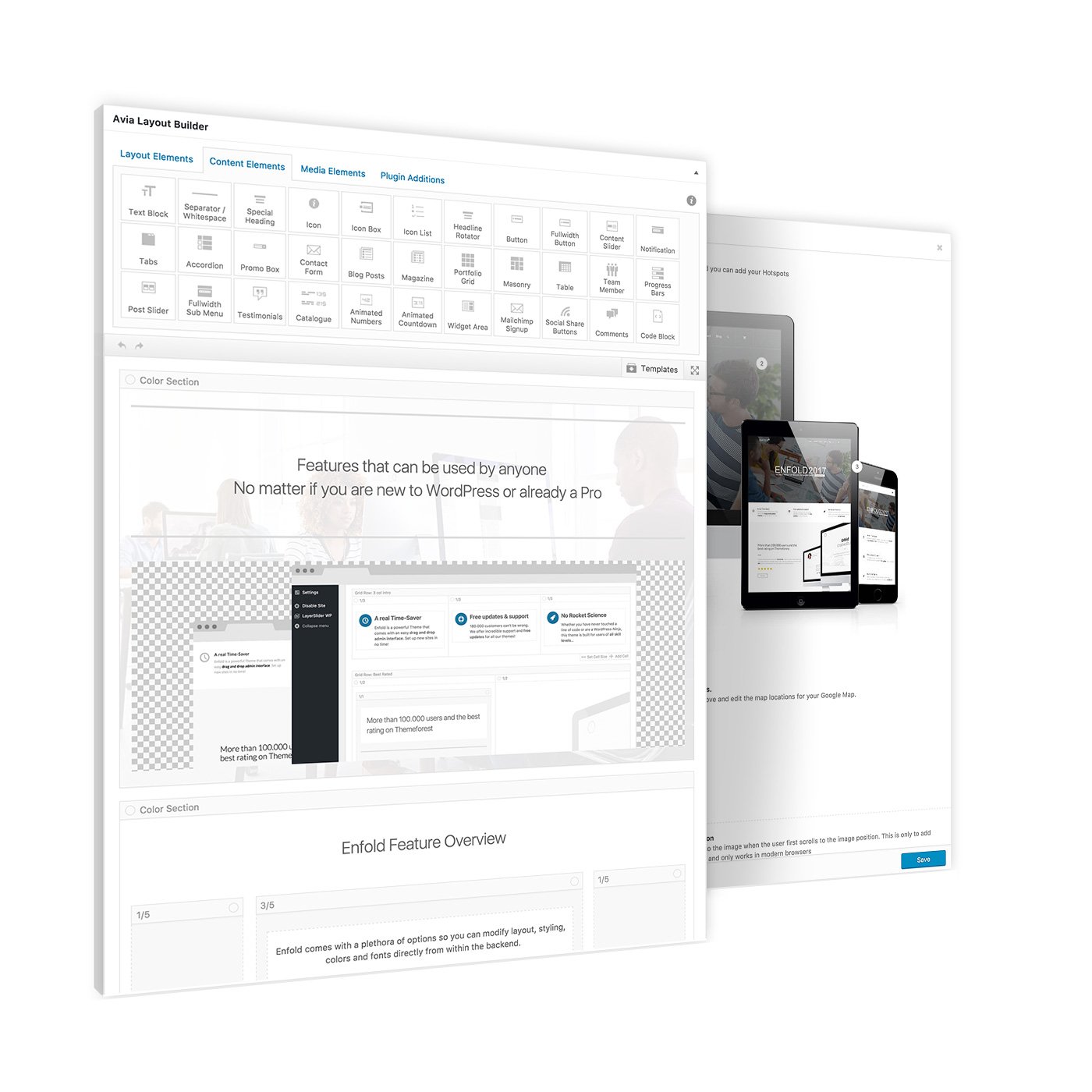
1
2
1

Tons of elements to build your site

2

Canvas preview to build your layout

Here you can see an example of a non-fulwidth image with hotspots. Also on this image with have set a different color for the hotspot. You can assign colors individually for each hotspot.

Üst veri

  • Oturum aç
  • Kayıt akışı
  • Yorum akışı
  • WordPress.org

Bize katılın !

Eposta listemize kayıt olarak yeniliklerden haberdar olun

Gizlilik Politikası

© 2021 Hasak Mikrofiber – Tasarım ve Uygulama: Muhsin Balcıoğlu

Sayfanın başına dön